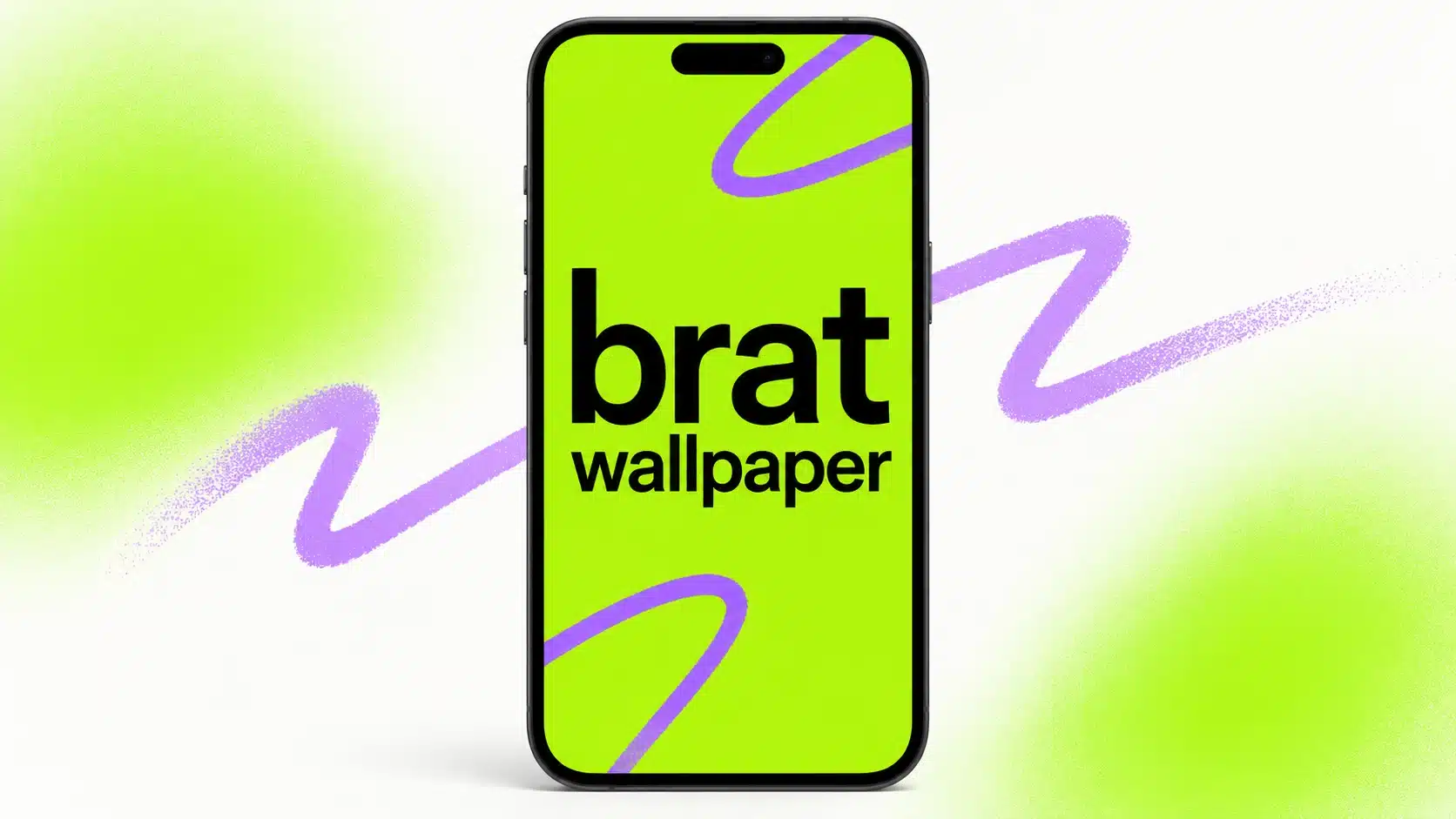
How to Make a Brat Wallpaper for iPhone and Android
A Brat wallpaper turns a phone lock screen into a bold, personal graphic without the clutter of a typical wallpaper pack. The formula is simple: one strong background, a short word or phrase, and enough empty space for the clock and notifications. Because phones are tall and narrow, the most important part is choosing the right canvas before you start designing.
This guide shows how to make an iPhone or Android Brat wallpaper, where to place the text, which sizes are practical, and how to export a crisp image using the Brat Generator.
What makes a good Brat phone wallpaper?
A phone wallpaper has a different job from a square cover or social post. It stays behind icons, widgets, the lock-screen clock, and notifications. The best designs therefore use one short phrase and a large area of calm color. The phrase can be your name, a mood, a short phrase you wrote yourself, a private joke, or a one-word reminder.
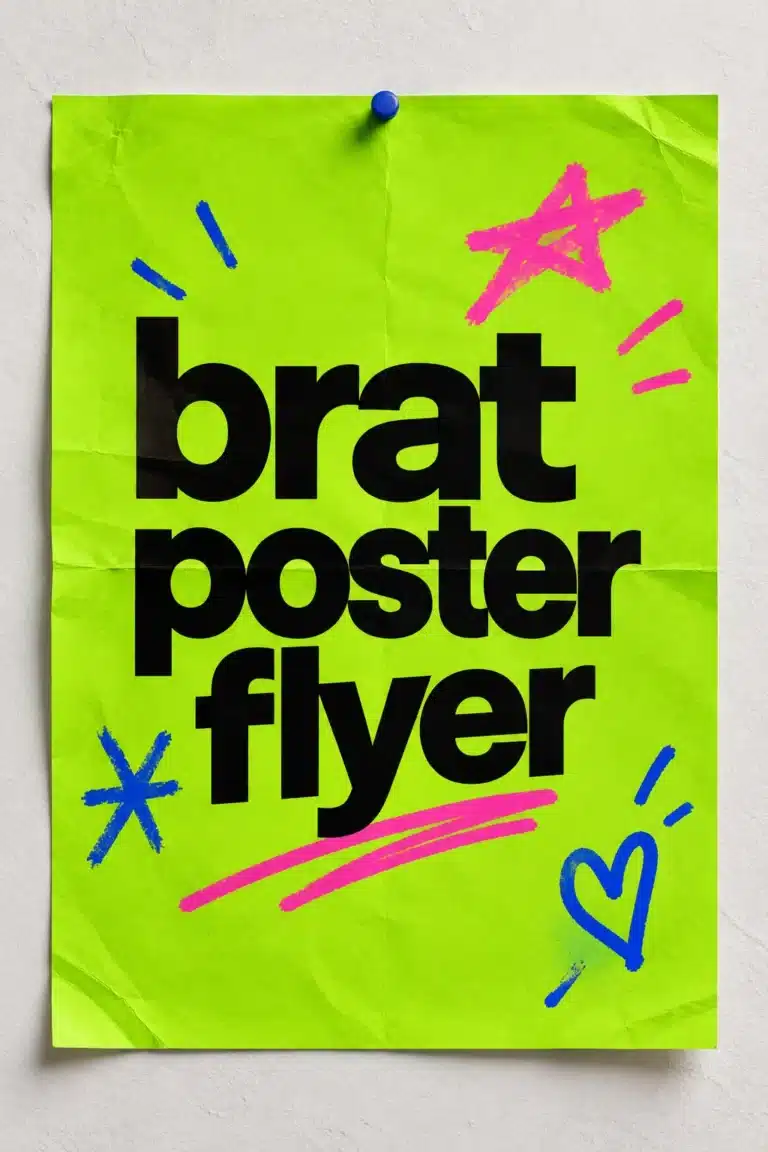
The familiar Brat-inspired direction uses a lime-green field and bold lowercase lettering, but the generator also supports black, white, hot pink, blue, yellow, purple, cyan, and gold. Choose the palette based on legibility and how it feels behind your icons, not only on how it looks in the editor.
iPhone and Android wallpaper sizes
There is no single size that fits every phone. Modern screens vary, and both iOS and Android may scale or crop an image to fill the display. A vertical image with a tall aspect ratio gives you the best starting point.
| Device use | Practical working size | Ratio |
|---|---|---|
| Recent iPhone wallpaper | 1170 × 2532 or 1290 × 2796 | approximately 9:19.5 |
| Android wallpaper | 1080 × 2400 | 9:20 |
| Universal story-style backup | 1080 × 1920 | 9:16 |
| Desktop wallpaper | 1920 × 1080 | 16:9 |
If you do not know the exact model, use a universal vertical canvas and keep the text away from the extreme top and bottom. A flat background scales well, so a small amount of resizing is less noticeable than it would be with a photograph.
How to create a Brat wallpaper
1. Pick a phrase that survives a small screen
Start with one to three words. “main character,” “no sleep,” “club era,” or your name will usually read better than a full quote. Long text becomes smaller, and the phone’s clock may compete with it. If you need a longer phrase, use two short lines and keep the type large.
Write the text in the exact form you want to see. Lowercase gives the design a familiar Brat-inspired rhythm, while uppercase can create a louder poster effect. Avoid using copyrighted lyrics or slogans you do not have permission to reproduce, especially if you plan to distribute the wallpaper commercially.
2. Choose a vertical preset
Open the Brat Generator and select a phone-sized or custom canvas. Use an iPhone-oriented size for an iPhone, an Android-oriented size for an Android, or a 1080 × 1920 canvas when you want a general story-like format. The main goal is a tall canvas, not a square image stretched until the text looks distorted.
3. Protect the lock-screen safe zones
The top of the lock screen is usually occupied by the time, date, camera cutout, or notification area. The bottom can contain shortcuts, a swipe indicator, or app controls. Place the main phrase in the middle third by default. If you move it, check a preview with the clock and widgets visible.
On a home screen, icons may cover the center as well. A centered phrase works best on a lock screen; a slightly higher or lower phrase may be better on a home screen depending on your icon layout. Export one version for each if you want the text to stay unobstructed.
4. Build contrast with color
Classic Brat Green is commonly written as #8ACE00. Black text is a strong choice on that background, while white text can work beautifully on darker colors. Avoid combinations that are close in brightness, because notification text and app labels need to remain readable too.
Use the generator’s color controls to test a few options. A hot-pink background with black text can feel playful; black with white text can feel sharper; white with black text is clean and easy to reuse. Keep the background mostly flat so your icons do not disappear into a complicated texture.
5. Adjust size and alignment
Use auto-fit as a starting point, then manually reduce the text if it feels too close to the edge. Center alignment is the safest layout for a lock screen. Left alignment can create a more editorial look, but it needs extra margin because the phone’s icons and widgets may crowd the side.
Preview the image at the actual phone size. A word that feels balanced on a large monitor may feel oversized on a lock screen. You should be able to recognize the phrase without zooming.
iPhone-specific wallpaper tips
iPhone lock screens often place the clock in the upper portion and support widgets below it. Keep the top quarter relatively quiet. When you set the image, iOS may offer a crop or depth-style treatment; check the preview and disable any option that hides the main word behind the clock.
For Pro Max-sized screens, a larger canvas gives you more detail, but a smaller universal image can still work because the flat color does not lose much when scaled. If you want an exact fit, check your phone model’s display resolution and enter it as a custom size.
Android wallpaper tips
Android devices differ more widely in screen ratio, icon spacing, and lock-screen layout. A 1080 × 2400 image is a useful general starting point. Keep the phrase away from the top and bottom edges, and test the preview after choosing whether it will apply to the lock screen, home screen, or both.
Some Android launchers scroll the wallpaper when you swipe between home pages. If that happens, keep the main word near the visual center and avoid placing important details at the far sides. A simple background makes this behavior less distracting.
Wallpaper ideas
Create one-word wallpapers for moods, a short name for a birthday, a phrase for a group chat, or a color-coded set for different focus modes. You can also make a matching desktop background at 1920 × 1080, then use the same phrase and palette across your phone, laptop, and social profiles.
For a party or event, create a shared wallpaper that guests can download. Keep it personal and fan-made, and avoid suggesting official sponsorship. The independent nature of the design is part of the fun: it is your phrase, your color, and your screen.
Mistakes to avoid
Do not start with a square cover and stretch it vertically. The result may leave the word too large or distort the spacing. Do not place the phrase under the lock-screen clock. Do not choose a low-contrast color pair because it looks trendy in the editor. Finally, do not add so many effects that the background competes with the apps and notifications you need to see.
Final checklist
Choose a vertical canvas, write a short phrase, keep the top and bottom safe zones open, use strong contrast, preview it with your phone’s clock and icons, and export a clean file. The free Brat Generator lets you do the whole process in your browser with no sign-up and no watermark.
FAQ
What size is best for a Brat iPhone wallpaper?
Use a model-specific vertical size when you know your phone. 1170 × 2532 and 1290 × 2796 are practical starting points for recent iPhones.
What size is best for Android?
1080 × 2400 is a useful general Android canvas, but exact screen sizes vary by device.
Can I use a Brat wallpaper on my home screen?
Yes. Keep the text away from the icon grid or create a separate version with the phrase placed in an open area.
Is the generator officially connected to Charli XCX?
No. It is an independent creative tool inspired by the Brat aesthetic.
Frequently asked questions
What resolution should a phone wallpaper be?
Use your phone’s native resolution, or a larger image with the same aspect ratio, so it does not look blurry.
Why does my wallpaper look cropped?
Phones scale and crop wallpapers differently; leave margins and test the result.
How do I keep text readable under widgets?
Keep the top third and the lower dock area relatively empty.
Brat Generator is an independent tool and is not affiliated with, endorsed by, or sponsored by Charli XCX, her record label, or any related brand. Any album or trademark names are mentioned only to describe a visual style.