How to Make Custom Brat Stickers for Print or Digital Use
Brat-style stickers — for laptops, water bottles, or digital use in chats — are one of the simplest ways to apply the aesthetic to something physical. You do not need a dedicated sticker app to get started; you just need a clean graphic and the right export settings.
Step 1: Create the Graphic
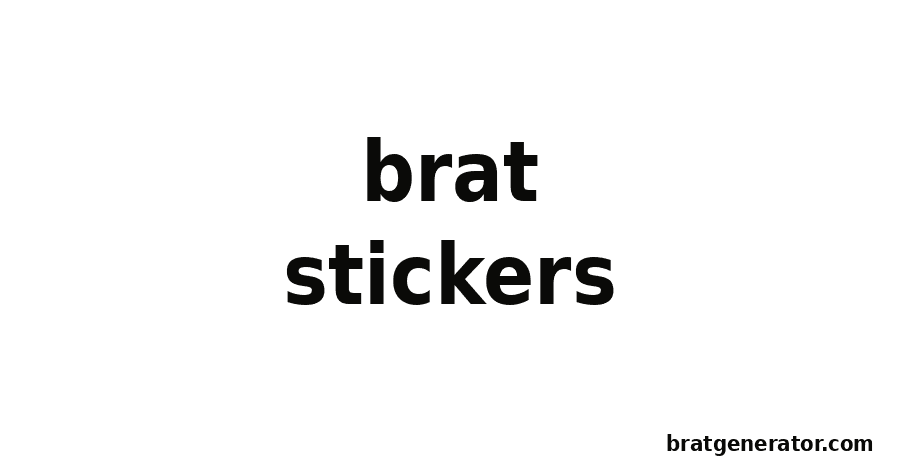
Start with our Brat Text Generator. Type your word or short phrase, pick a background and text color combination, and adjust the font size and alignment until the design fills the frame the way you want a sticker to look.
Step 2: Export the Right Way
- Use the Download button to save your design as a PNG file.
- For digital stickers (chat apps, Discord, sticker packs), the downloaded PNG usually works as-is.
- For physical printed stickers, a higher-resolution export gives you more room to resize without losing quality — keep your text and design elements simple so they scale cleanly.
Step 3: Turn It Into a Physical Sticker
Once you have your PNG, you have two practical options:
- Print at home: Use sticker paper compatible with your printer, print your design, and cut around it by hand or with a craft cutter.
- Order from a print-on-demand service: Most online sticker printing services accept a PNG upload and handle die-cutting, lamination, and shipping for you — check each service’s file requirements before uploading.
Design Tips for Stickers Specifically
- Keep text short; single words or two-word phrases read best at sticker size.
- High-contrast color pairs (green/black, white/black) hold up better after printing and lamination than lower-contrast combinations.
- Leave a little breathing room around your text before exporting, since some print services trim close to the edge of the design.
Build Your Sticker Design Now
Head to the Brat Text Generator to create your design, then use any sticker paper or print-on-demand service of your choice to bring it to life.
Brat Stickers: Frequently Asked Questions
Do I need special sticker software to make a Brat-style sticker?
No — you can design the graphic with a brat generator and then use any sticker paper or print-on-demand service to produce the physical sticker.
What file format should I use for printing?
A downloaded PNG file works for most home printing and print-on-demand services; check your chosen service’s specific requirements before uploading.
What’s the best color combination for a printed sticker?
High-contrast pairings like green background with black text tend to hold up best after printing and lamination.
Can I use the same design for digital stickers?
Yes, the same PNG export works for digital use in chat apps or sticker packs without any changes.
Design Your Sticker Now
Type your text and export a print-ready Brat-style graphic in seconds.
Try the Brat Text Generator