What Is a Brat Generator? A Quick Guide to the Style and the Tool
If you have seen the acid-green, lowercase-serif text plastered across social media, album art, and merch, you have already seen a Brat generator output. A Brat generator is a free web tool that lets you type any word or phrase and instantly get it rendered in the bold, unpolished lowercase serif style popularized by the Brat album cover — no design skills or software required.
Where the style comes from
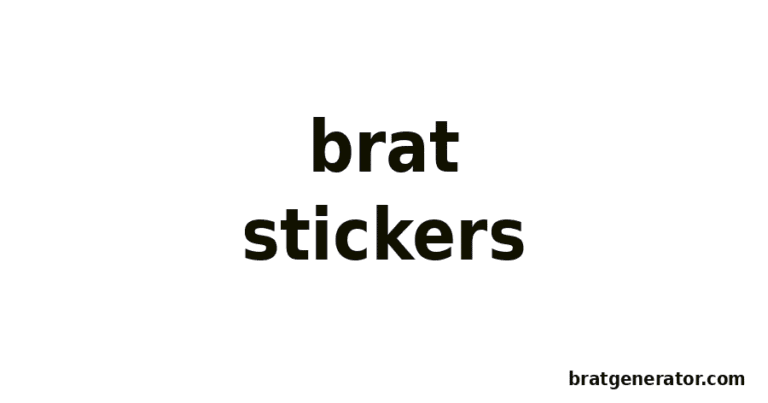
The look is defined by a few specific choices: a single flat background color (most recognizably an acid, slightly yellow-leaning green), lowercase text set in a bold condensed serif typeface, and a deliberately low-fi, unpolished feel rather than a slick, over-designed graphic. That combination is what makes text instantly recognizable as “Brat” even at a glance.
What a Brat generator actually does
Under the hood, these tools are simple: you type text into an input field, the tool renders it onto a canvas with the signature background color and lettering style, and you download the result as an image. Our Brat Generator works exactly this way — entirely in your browser, with no account and no cost.
What you can make with it
- Profile pictures and social banners using a single word or your name
- Longer captions or lyric lines using the Text Generator
- Square, release-style cover art using the Album Cover Generator
- Quick meme-style captions using the Meme Generator
Why the style caught on
Part of the appeal is how easy it is to replicate and remix. Because the visual formula is so simple — one background color, one type style, lowercase text — anyone can apply it to their own words in seconds, which is exactly why it spread so quickly as a meme format and a personal-expression tool at the same time.
Try it yourself
You do not need any design experience to use a Brat generator. Head to the main Brat Generator, type a word or phrase, pick a color, and download your image — it takes a few seconds.