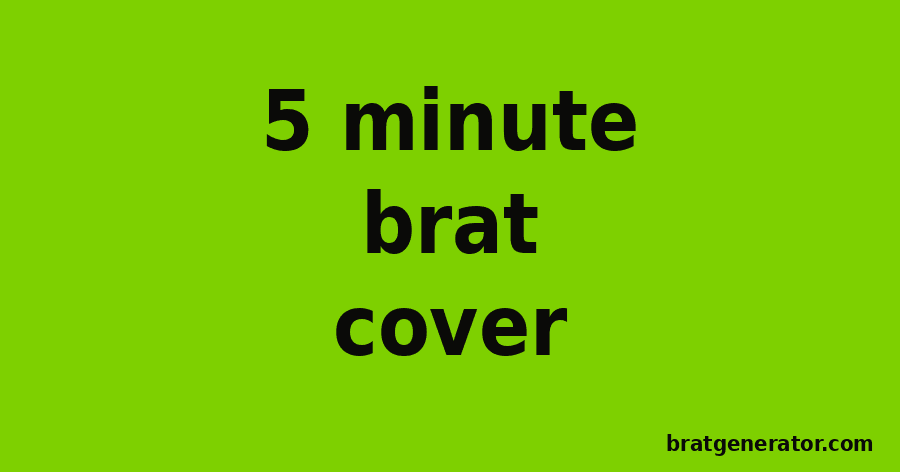
Cover Art for Independent Music: Specs, Contrast and a Safe Design Process
If you release your own music, the cover is the first thing listeners see, usually at thumbnail size. This guide covers the technical requirements, a contrast check and a process for making original cover art with the free Brat Text Generator as a starting point, without copying anyone else’s artwork.
Technical specs
Distributors and streaming services publish their own requirements, which change. A commonly requested size is a square of at least 3000 x 3000 px in JPEG or PNG with an RGB color profile, but confirm with your distributor before you export.
| Spec | Commonly requested |
|---|---|
| Shape | Square, 1:1 |
| Size | Around 3000 x 3000 px |
| Format | JPEG or PNG |
| Color | RGB |
| Text | Readable at 100 x 100 px |
The thumbnail test
Most covers are seen at 100 to 300 px. After exporting, shrink the image to 100 px and check the title can still be read. If not, enlarge the text or shorten it.
An original design process
- Choose a title or artist name, short enough to fill the frame.
- Generate the text in the tool, choose colors from the colors guide and export at the largest size.
- Add one original element: a photo, texture or shape of your own.
- Check that nothing in the design copies another artist’s cover, logo or typography layout. A flat color and a word is a common approach, so differentiate with your own palette, wording and extra element.
- Export, then run the thumbnail test.
Avoid look-alike problems
A cover that is too close to a well-known one can be rejected by distributors or cause confusion. Make yours distinct.
Credits and rights
If you use a photo or illustration, you need a license or you must have made it yourself. Keep records of the license.
Related guides
For spoken-word and podcast cover art, see the podcast cover guide; for playlists, see the playlist cover guide.
Why five minutes is realistic
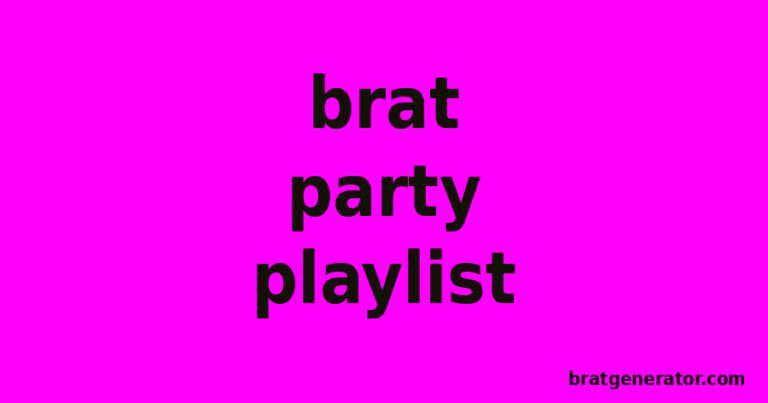
Cover art for a single or playlist is a short phrase on a coloured square. The slow part is not the design but the indecision, so set a rule before you start: pick the title, pick the size and do not change either after the first export. A deadline works better than a perfect idea.
Checking the result at thumbnail size
Streaming apps show covers at roughly the size of a fingernail in lists. After exporting, shrink the image to about 100 pixels wide and look at it from arm’s length. If you can read the word instantly, the cover works. If not, increase the font size, shorten the text or switch to the high-contrast black on green combination.
When to take longer
For an official release on a platform with strict artwork rules, spend time reading the distributor’s requirements, because some platforms reject images that contain certain text or logos. A five-minute cover is ideal for playlists, demos and social posts.
A worked example: a single’s cover
An artist releasing a single called “slow” generates the word in the tool, picks a cream background with black text, then adds a small original photo of her hand in the corner. She exports at 3000 by 3000, shrinks a copy to 100 pixels to check it reads, and submits it to her distributor. It passes review and looks distinct in playlists.
Pre-submission checklist
| Item | Check |
|---|---|
| Size | At least the distributor’s minimum |
| Format | JPEG or PNG |
| Text | Matches the release title and artist name |
| Content | No logos or artwork you do not own |
| Thumbnail | Readable at 100 px |
Common rejection reasons
- Text or URLs for other services.
- Low resolution.
- Misleading artist names.
- Copyrighted images.
A five-minute schedule
| Minute | Task |
|---|---|
| 0 to 1 | Decide the title and keep it to one to three words |
| 1 to 2 | Type it in the generator and choose the size preset for square cover art |
| 2 to 3 | Check contrast and adjust the font size so the text fills the frame |
| 3 to 4 | Export the PNG and view it at thumbnail size |
| 4 to 5 | Upload to your music or playlist platform |
Checks before you publish
Streaming platforms have their own artwork rules covering size, format and content, so read the current guidelines of the service you upload to. Use your own title and avoid names or imagery from other artists.
Presenting the finished cover
Once you have a cover, show it in context: in a streaming list, on a phone screen and in a social post. This helps you see whether the design holds up in the places where people will actually meet it. If the word is hard to read in any of them, increase its size or shorten it.
Saving your settings
Write down the word, preset, colours and font size so you can make a matching cover for the next release in a minute. Consistency across releases builds recognition.
Alternatives to a square cover
Some platforms use different shapes for artwork, such as circular crops or wide banners. Check where else your cover will appear: playlists, social previews and press kits. Export a square master and make crops from it, keeping the key word in the middle so it survives any crop. Name the files clearly so you can find each version again.
Frequently asked questions
Can I use a photo?
Yes, if you own the rights.
How much text is too much?
More than the title and artist name usually gets lost at thumbnail size.
Do I need a separate cover for each platform?
Usually one cover covers all services.
Can I change the cover later?
Most distributors allow updates; check their process.
What size should cover art be?
Square images of at least 1400 by 1400 pixels are commonly requested, but check the platform’s current requirements.
Can I use it for a podcast?
Yes, see the podcast cover guide on this site for the specific size and legibility advice.
Brat Generator is an independent tool and is not affiliated with, endorsed by, or sponsored by Charli XCX, her record label, or any related brand. Any album or trademark names are mentioned only to describe a visual style.