How to Make a Brat-Style Spotify Playlist Cover (Step-by-Step)
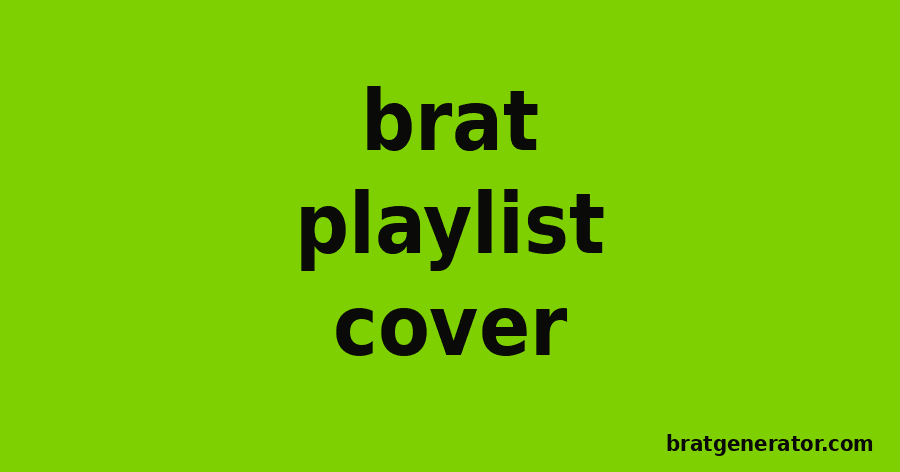
A Brat-style playlist cover is one of the most common ways people apply the aesthetic outside the album itself — it takes seconds to make, needs no design skills, and instantly signals what kind of playlist you’re building. Here is exactly how to make one and add it to Spotify.
What You Need Before You Start
You do not need Photoshop, Canva, or any design experience. All you need is a short playlist name or phrase and a couple of minutes with a brat generator.
Step-by-Step: Making the Cover
- Open the Brat Text Generator.
- Type your playlist name or a short phrase into the text field.
- Adjust the font size slider so the text fills the square comfortably without crowding the edges.
- Choose your background and text color combination — the original green background with black text is the most recognizable, but the tool also offers white, magenta, and cyan backgrounds with several text color options.
- Set the text alignment (center, left, or right) depending on how you want the layout to read.
- Use the blur slider if you want the softer, slightly out-of-focus look from the original album cover.
- Click Download to save the image, or use Copy Image to paste it directly somewhere else.
Uploading Your Cover to Spotify
- Open the playlist you want to update in the Spotify app.
- Click the three-dot menu and select “Edit details.”
- Click the existing cover image, then choose “Choose photo” and select the file you downloaded.
- Save your changes — Spotify covers work best as square images, which matches the default output from most brat generators.
Tips for a Cleaner Result
- Keep the text short — two or three words reads better at thumbnail size than a full sentence.
- Stick to one of the classic color pairings (green/black, white/black) if you want the cover to be instantly recognizable as Brat-style.
- Avoid overly small font sizes; Spotify displays playlist covers at a fairly small size in the app, so bold and simple wins.
Try It Yourself
Ready to build one? Head to the Brat Text Generator and have a finished cover in under a minute.
Brat Playlist Cover: Frequently Asked Questions
What size should a Brat-style playlist cover be?
Spotify displays playlist covers as squares, so a square export works best — the default output from most brat generators is already square.
Do I need design software to make one?
No. A browser-based brat generator with text, color, and alignment controls is enough to make a full cover.
What color combination looks most like the original?
The original green background with black text is the most recognizable combination, though other color presets work well for different moods.
How do I upload a custom cover to a Spotify playlist?
Open the playlist, click the three-dot menu, select Edit details, click the current cover image, and upload your downloaded file.
Make Your Playlist Cover Now
Type your playlist name and get a downloadable Brat-style cover in seconds.
Try the Brat Text Generator