Brat-Style Baby Shower Ideas: Invitations, Decor & Sign Templates
A baby shower usually means one of two moods: pastel-and-ribbons traditional, or something with a little more personality. The Brat aesthetic is built for the second option.
It swaps soft watercolor nursery clip art for one flat color and one bold, confident phrase. That reads as modern and intentional rather than trying too hard.
This guide covers the whole visual side of a Brat-style baby shower — invites, decor, and signage — using nothing but free tools.
Why the Brat Look Works for a Baby Shower
Baby shower decor has leaned on the same visual language for years: soft pastels, cursive script, and stork or bootie clip art. It’s sweet, but it’s also the same look at nearly every shower.
The Brat aesthetic strips that back to a single saturated color and one short, punchy phrase. “it’s a girl.” or a due date in bold lowercase carries more personality than a paragraph of script ever could.
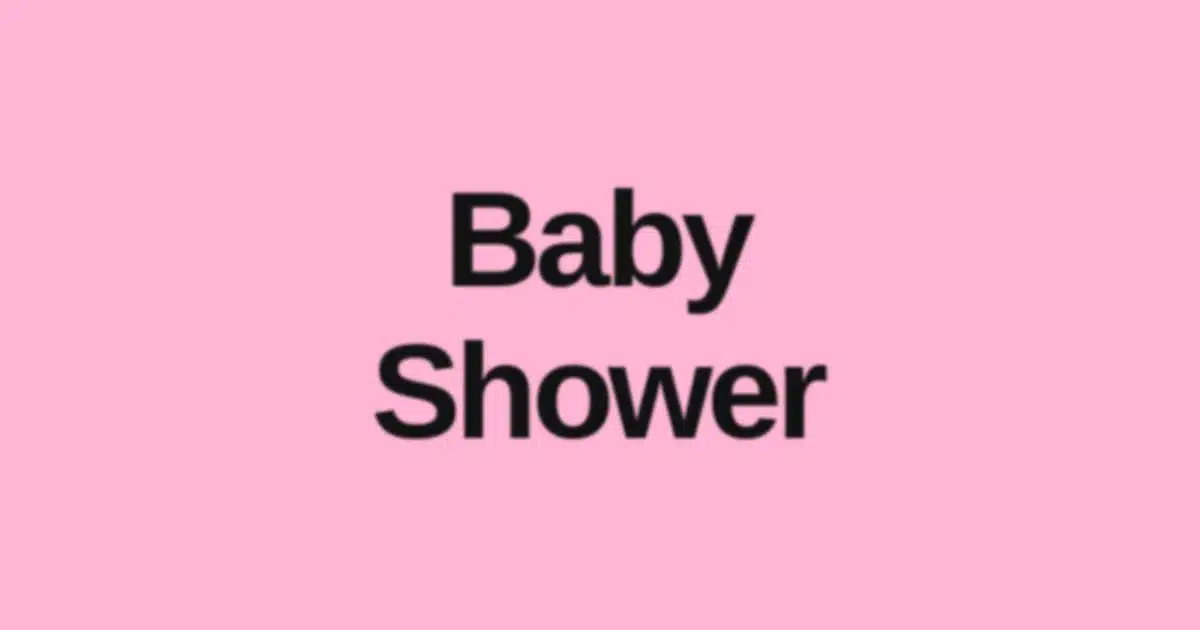
It also happens to suit the pink variant of the palette especially well, which makes it an easy fit even for a shower that wants to stay soft rather than edgy.
Digital & Printable Invitations
The invite sets the tone for the whole event, so it’s worth starting there before anything else.
For a digital invite (text, group chat, or Instagram Story): design at 1080 x 1920px, the standard Story size, so it displays cleanly without cropping when shared.
Keep the shower date, time, and address as a plain, smaller text block underneath the bold headline. The stylized font is for a short phrase, not a paragraph of logistics.
For a printable invite, design at a standard 5×7 inch card size (1500 x 2100px at 300 DPI for a clean print). Center the parent’s name, due date, or “baby [last name]” in the signature bold style.
Put the RSVP details in a plain, readable font below it. One bold statement font paired with one plain utility font is what makes this style work outside of a single graphic.
Decor: Banners, Diaper-Raffle Signs & Table Cards
| Item | Suggested Size | Notes |
|---|---|---|
| Party banner | 24 x 36 inches (print at 2400 x 3600px, 100 DPI) | “Baby shower,” a due date, or the baby’s name reads best at banner size |
| Diaper-raffle sign | 8 x 10 inches | A short instruction like “bring diapers, win a prize” kept to one line |
| Table sign / place card | 4 x 6 inches | Dessert labels, “guess the due date,” or seating notes |
| Balloon garland sign | 8.5 x 11 inches | The baby’s name or due date as a focal point behind the garland |
For anything printed at home, export at the highest resolution the generator allows and print on cardstock. It holds up far better than standard paper once it’s near food or handled by guests.
Building the Signage: Step by Step
1. Open the Brat Text Generator
2. Set a custom canvas size matching what you’re printing. Use the table above instead of guessing — a banner sized like a phone wallpaper looks soft and low-resolution once it’s blown up.
3. Keep each sign to one short phrase. “baby [name],” a due date, “oh baby,” or a single instruction like “sign the guestbook” all work well.
Avoid cramming multiple pieces of information onto one graphic. Make a separate sign for each instead.
4. Pick one color and hold it across every piece. Pink for the banner, green for the diaper-raffle sign, and black for table cards will look scattered instead of intentional.
One primary color, occasionally paired with a secondary accent for smaller details, keeps the whole setup feeling like one cohesive shower.
5. Export and print, or upload directly for a digital invite.
The Guest-Book & Photo Backdrop
A dedicated photo spot gives guests a natural place to gather and gives the parents-to-be a set of shower photos that actually look put together.
The single-word backdrop: Design one large graphic (at least 1080 x 1350px, scaled up significantly for a printed backdrop) with the baby’s name or “oh baby” filling most of the frame.
Have it printed at a local print shop on foam board or vinyl banner material. It holds up for the whole event and can double as a nursery keepsake afterward.
The repeating pattern backdrop: Instead of one large phrase, generate the same short word multiple times at a smaller size and tile the exports into a grid for a fuller backdrop look.
Matching the Cake and Favors
A plain cake in the shower’s color, or a simple white cake with a colored ribbon, paired with a printed cake topper in the bold lowercase font ties the dessert table into the theme without a custom bakery order.
For favors, a printed tag or sticker with a short phrase — made the same way as the rest of the signage — turns a plain favor bag into something that matches the party without extra cost.
Choosing Between Pink, Green, and Neutral
Pink is the obvious pick for a traditional gender-reveal-adjacent shower, and it reads as soft without losing the bold, confident edge of the aesthetic.
Brat Green works well for a gender-neutral shower or for parents who want something less conventionally “baby shower” and more just plain celebratory.
Black-and-white keeps things minimal for a shower with a more grown-up, coffee-and-brunch tone rather than a full decor-heavy party.
A Simple Timeline for Putting It Together
None of this needs custom ordering or a long lead time, so the visual side of the shower can come together within a day or two.
A practical order: design and send the digital invite first, or send the printable version to a print shop, which usually needs 24–48 hours turnaround.
Next, design and print the banner, table signs, and cake topper together in one batch since they use the same tool and color. Save the photo backdrop for last, once the wording and color choices are locked in.
Common Mistakes to Avoid
Using too many phrases at once. A backdrop, banner, and every table sign in different wording stops looking like one shower and starts looking cluttered.
Skipping a legibility check at print size. A phrase that looks bold on a phone screen can shrink oddly once printed small, like on a 4×6 place card. Preview at roughly real-world size before sending anything to print.
Forgetting the guest-facing details. The stylized font is for short, punchy phrases, not for communicating parking instructions or registry links. Pair it with a plain, easily readable font for anything guests actually need to read.
Printing at low resolution. Screen-resolution exports look soft once blown up to poster size. Export at the highest resolution available and match it to your intended print size.
Coordinating With a Registry or Sip-and-See
If the shower doubles as a registry event, a simple printed sign near the gift table pointing guests to the registry link keeps the logistics visible without cluttering the main decor.
A “sip and see” gathering after the baby arrives can reuse the exact same design files as the shower itself, just with the wording swapped from a due date to the baby’s actual name and birth details. That keeps design costs and effort to a single round of work covering both events.
Working With a Co-Host or Registry Group
Many showers are planned by more than one host, which makes it worth agreeing on the color and wording early, before anyone starts designing separate pieces.
A shared color file or a single reference export keeps every host’s printed piece — the invite, the banner, the favors — visually consistent even when different people are producing them.
If the group is split across cities or can’t meet in person to plan, sharing the same Brat Text Generator link and canvas sizes from this guide is enough to keep everyone working from the same visual playbook without a formal style guide.
Frequently Asked Questions
What size should a Brat-style baby shower banner be? For a wall or table banner, 24 x 36 inches printed at roughly 100 DPI (2400 x 3600px) gives a crisp, poster-quality result that reads clearly from across a room.
Can I make a digital invitation instead of printing one? Yes — design at 1080 x 1920px, the standard phone/Story size, so it displays cleanly when shared through text, group chats, or social media without needing to be cropped.
Do I need design software to make baby shower decor? No. The Brat Text Generator works entirely in the browser with no account or software installation, and it exports high-resolution PNGs ready to print or share digitally.
What color works best for a baby shower theme? Pink is the most traditional match, but Brat Green suits a gender-neutral shower and black-and-white works well for a more minimal, grown-up tone.
How do I keep the invitation legible if the event details are long? Use the bold stylized font only for a short headline, like the baby’s name or due date, and put the actual date, time, and address in a plain, simple font underneath.
Can I reuse the same design across the invite, banner, and cake topper? You can reuse the same word or phrase and color for consistency, but it’s best to re-export each piece at its own correct size and resolution rather than stretching one file to fit multiple uses.
Ready to design your baby shower set? Head to the Brat Text Generator and build your invitation, banner, and signage in one sitting — free, no account, no watermark.
Related reading: Brat-Style Birthday Party Ideas: Invitations, Decor & Photo Booth Signage, Brat-Style Graduation Party Ideas, Brat Bachelorette Party Ideas