Brat Party Playlist: Sequencing Guide and a Cover Image That Fits
A party playlist works when it follows an energy arc, not when it is a random list of favorites. This guide explains how to structure a playlist for a gathering and how to make a cover image for it with the free Brat Text Generator.
Build an energy arc
Split the playlist into phases that match how the evening moves.
| Phase | Length | Energy | Goal |
|---|---|---|---|
| Arrival | 30 to 45 min | Low to medium | Let people talk |
| Warm-up | 45 min | Medium | Start movement |
| Peak | 60 to 90 min | High | Keep the floor busy |
| Cool-down | 30 min | Medium to low | Wind down and say goodbyes |
A playlist that begins at maximum energy tires guests quickly. Arrive low, build, hold the peak, then come down.
Practical sequencing rules
- Keep neighboring songs within a similar tempo range, then step up gradually.
- Avoid more than two slow songs in a row during the peak.
- Include a few songs everybody knows, because they bring the room together.
- Check for explicit lyrics if children or older relatives are present.
- Turn on crossfade so there are no silent gaps.
Length and format
Calculate the length from the event: a three-hour party needs about three hours of music, plus a buffer. Add 10 percent extra so the playlist does not repeat before the end.
Collaborative playlists
Most streaming apps allow shared playlists. Invite guests to add one song each, then review the list yourself before the party. That keeps the mix personal and avoids a surprise at peak time.
Making a cover image
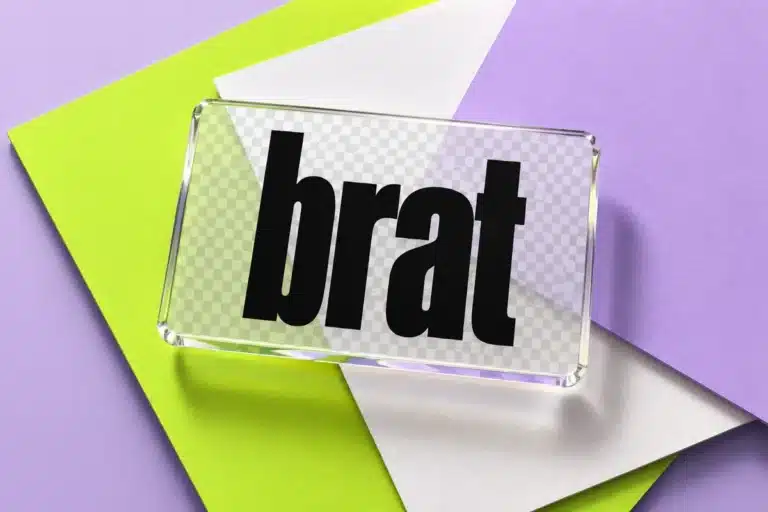
A cover image is a small piece of branding that makes a shared playlist feel intentional. Square images work for most apps.
- Open the Brat Text Generator.
- Type the event name or a short phrase.
- Choose the square size preset and export as PNG.
- Upload it as the playlist cover in your music app.
Use colors from the Brat colors guide so the cover matches the invitation.
Licensing note
Playing music privately at home is fine. If you host a public event or charge admission, venues usually need a music license. Check with the venue.
Mistakes to avoid
- Peaking too early.
- Ignoring volume differences between songs.
- Forgetting a backup playlist saved offline in case of poor connection.
Structuring a playlist by energy
Start with calm songs while guests arrive, build to upbeat tracks during activities and keep a handful of favourites for the peak. Group songs into blocks of about 30 minutes so you can adjust the mood quickly.
Practical checks
Test the playlist on the actual speaker. Check for explicit versions if children attend. Keep the volume at a level where people can still talk.
A worked example: a house-party arc
For a four-hour party from 8 pm to midnight, plan arrival from 8 to 8:45 with gentle songs, warm-up from 8:45 to 9:30, peak from 9:30 to 11:15, and cool-down from 11:15 to midnight. At the peak, slip in one slower song every five or six tracks to give people a break. Save a backup copy of the playlist offline in case the internet connection drops.
Troubleshooting
| Problem | Fix |
|---|---|
| Room empties at the peak | Check volume and familiarity of songs |
| Songs clash in tempo | Reorder by tempo |
| Volume jumps | Turn on volume normalization |
| Neighbors complain | Agree on a quiet hour and respect it |
Accessibility and comfort
Keep volume at a level where people can talk. Prolonged loud music can damage hearing, and a quiet space helps guests who need a break.
Planning timeline for the party playlist
Two weeks before: collect song requests from guests. One week: build the list in rough order. Day before: test it on the venue speaker. Day of: keep a backup offline copy.
The choice that shapes your party playlist
Order the playlist by energy: calm during arrivals, upbeat for activities and the loudest moments later in the event.
Care, safety and inclusion
Preview lyrics before playing songs in family or mixed-age settings, and keep volume at a safe level.
Budget check
A playlist costs nothing but time. Plan about 20 minutes to collect requests, 40 minutes to sort them and 10 minutes to test volume at the venue. Write down a total before buying anything and keep a small reserve for surprises.
Before the day
- Download tracks for offline use.
- Check clean versions for mixed-age events.
- Keep a backup on a second device.
Building a playlist others will enjoy
Think about who will listen: a mix of ages, tastes and moods. Start with songs most people know, move to livelier choices later and finish with something calm. Avoid abrupt changes of volume or style that drive people away from the dance floor.
Practical details
Check the rights to play music in public if your event is public or commercial, since licensing rules differ by place. For private events at home, you usually do not need anything extra, but check local rules if unsure.
Keeping a playlist fresh
Create a master list of favourites and copy from it each time, adding two or three new tracks per event. Keep notes on what worked: which song filled the floor and which emptied it. Update the list a few times a year so it stays current.
Frequently asked questions
How many songs for a three-hour party?
At around 3.5 minutes per song, about 50 songs for three hours.
Can I use my own words for the cover?
Yes. See the party hub for more planning ideas.
Should I add a request list?
Allow a few guest picks and review them in advance.
How do I handle explicit lyrics?
Use the clean versions when children or older relatives are present.
How long should a party playlist be?
Aim for at least the length of the party, plus extra for the unexpected.
Should I let guests add songs?
Yes, through a shared list, but keep the final order under your control.
Brat Generator is an independent tool and is not affiliated with, endorsed by, or sponsored by Charli XCX, her record label, or any related brand. Any album or trademark names are mentioned only to describe a visual style.