Brat-Style Discord Server Icon, Emoji & Sticker Sizes (That Won’t Get Blurry)
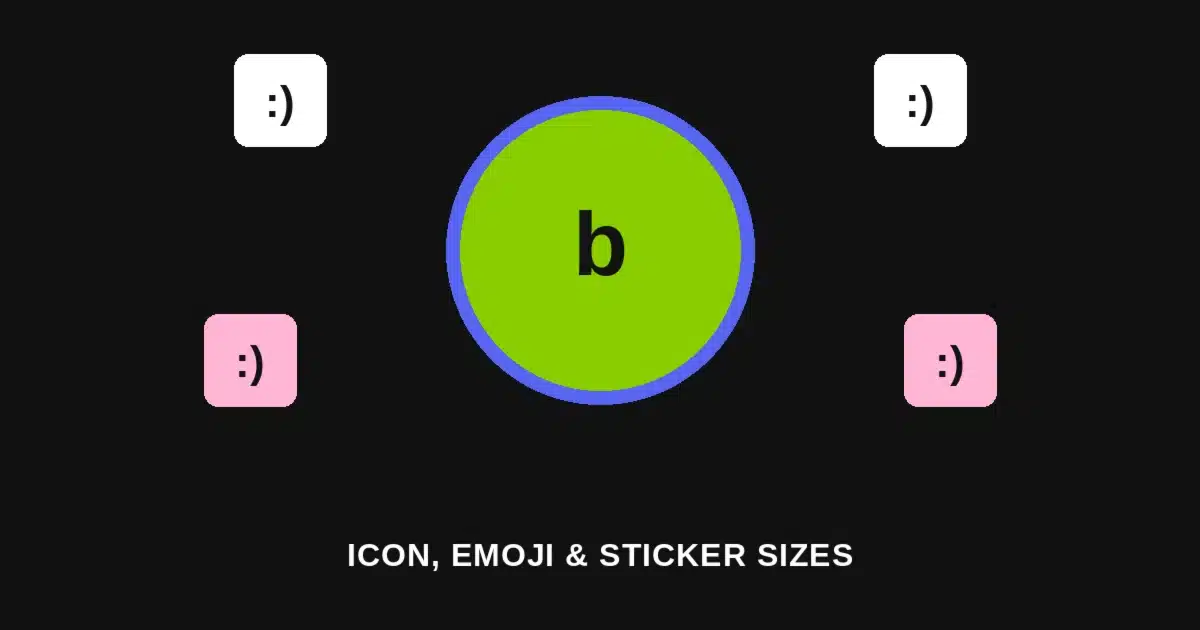
Quick answer: A Discord server icon displays at 512x512px in a circular crop, a custom emoji needs to be 128x128px and under 256KB, and a custom sticker needs to be 320x320px and under 512KB. Design at these exact sizes in the Brat Text Generator so nothing blurs, gets rejected on upload, or looks mismatched once it’s live in your server.
Most brat-style Discord graphics run into the same problem: the icon, emoji, and sticker each have a different pixel size and a different file-size cap, and treating them as one generic “small square” produces blurry icons and rejected emoji uploads.
This is the same sizing-first approach used for a Discord banner and a Reddit avatar — get the exact pixel dimensions right first, then the flat brat-style design takes minutes.
The Sizes You Need
| Element | Dimensions | Shape | File Size Cap | Format |
|---|---|---|---|---|
| Server icon | 512 x 512px | Circle | Under 500KB recommended | PNG, JPEG, or animated GIF (Nitro) |
| Server banner | 960 x 540px minimum | Wide rectangle | Under 100KB recommended | JPEG or PNG; requires Boost Level 1+ |
| Custom emoji | 128 x 128px | Square (displays ~32x32px) | Max 256KB | PNG (static) or GIF (animated) |
| Custom sticker | 320 x 320px | Square | Max 512KB | PNG with transparency, or APNG |
| User avatar/PFP | 512 x 512px | Circle | Under 500KB recommended | PNG, JPEG, or animated GIF (Nitro) |
Discord’s file-size caps, not the pixel dimensions, are usually what trips people up — a clean 128x128px emoji can easily blow past 256KB if it isn’t exported efficiently.
Server Icon: 512x512px, Displayed as a Circle
Your server icon shows up as a circle everywhere Discord lists servers — the sidebar, server settings, invite previews. A square design with text or detail near the edges gets clipped the moment that circular mask is applied.
Keep anything important within the center 80% of the canvas. For a brat-style server icon — bold text on a flat color — that means centering the text with real padding on all sides rather than running it edge to edge.
Designing at the full 512x512px rather than a smaller size gives the icon room to stay sharp across every place Discord displays it, from a tiny sidebar thumbnail to a larger server-settings preview.
Building the Server Icon Step by Step
1. Open the Brat Text Generator and set a custom canvas at 512 x 512px.
2. Pick one flat color — Brat Green for the most recognizable look, or Brat Black or Pink if the server’s branding leans a different direction.
3. Keep text short and centered. A single word, initials, or a short abbreviation works better than a full server name — this displays as a small circle in most places it appears.
4. Leave a wide margin. Since the circular crop clips content near the corners, keep everything inside roughly the center 80% of the square.
5. Export and upload directly in Server Settings under Overview, keeping the file under 500KB for a smooth upload.
Custom Emoji: 128x128px, and the File Size Actually Matters
A custom emoji needs to be exactly 128x128px, even though Discord renders it much smaller — roughly 32x32px — inside an actual message. That gap is exactly why oversized file weight, not resolution, is the real risk here.
Discord caps emoji uploads at 256KB, and a 128x128px PNG with too much detail or an unoptimized export can hit that ceiling surprisingly fast, even at the correct pixel size.
A flat brat-style emoji — one bold letter or a simple shape on a solid color — compresses cleanly and stays well under the cap, which is one more reason a simple flat design outperforms a busier one here.
Custom Sticker: 320x320px With Transparency
A custom sticker needs to be 320x320px, built as a PNG with a transparent background rather than a flat-color square — Discord renders stickers directly over the chat background, so a solid background block looks visibly wrong once posted.
The file-size cap is more generous than emoji at 512KB, but a transparent PNG at full detail can still approach that limit, so exporting efficiently still matters.
For a brat-style sticker, that means bold text or a simple shape in one flat color, placed on a transparent canvas — the same visual system as the icon and emoji, just without a background fill.
Server Banner: A Separate Graphic With a Boost Requirement
A server banner is a different asset entirely from the icon — a wide rectangle at a 960x540px minimum, shown across the top of the server’s member list or invite screen rather than as a small circular mark.
Unlike the icon, emoji, and stickers, a server banner requires the server to be at Boost Level 1 or higher before it can even be uploaded, which is worth checking before designing one.
Keeping the banner’s file size under 100KB keeps it loading quickly for new members previewing an invite, especially on a slower connection.
Common Mistakes to Avoid
Uploading an emoji at the wrong pixel size. 128x128px is the required dimension — a mismatched size either gets rejected or scaled awkwardly by Discord on upload.
Giving a sticker a solid-color background. Stickers render over the chat background directly, so a flat-color fill shows up as a visible box rather than blending into the conversation.
Ignoring the file-size cap until upload fails. 256KB for emoji and 512KB for stickers are hard limits — a detailed design can hit the cap well before it looks visually “finished.”
Designing the server icon with text at the edges. The circular crop clips anything outside the center 80%, so edge-to-edge text loses its corners the moment it displays.
Trying to upload a banner without checking the Boost level. A server banner requires Boost Level 1 or higher — without it, the upload option isn’t available at all.
Icon vs. Emoji vs. Sticker: Choosing the Right Format
A server icon represents the whole server everywhere it’s listed — simple, bold, centered text works best since it’s displayed small and in a circle almost everywhere it appears.
A custom emoji is a tiny, reusable reaction meant to read clearly at roughly 32x32px in a message — a single letter, a short mark, or a simple shape works far better than detailed text.
A custom sticker is a larger, standalone visual meant to be noticed in a message on its own — it has more room than an emoji, and its transparent background means it should be designed to float over chat, not sit inside a colored box.
Matching Your Discord Graphics to Other Platforms
If you’re already using brat-style graphics elsewhere, the same flat-color, bold-text system carries over cleanly — just rebuild at each Discord asset’s specific size rather than reusing one file across icon, emoji, and sticker.
A Discord banner uses a completely different aspect ratio and purpose than the server icon or emoji, so treat each as its own export rather than stretching one canvas to fit every slot.
Keeping the same color and font choice across every Discord asset, while adjusting only canvas size and background transparency, is what makes a server’s brand feel consistent without extra design decisions each time.
A Quick Reference Before You Design
If you only remember one thing: 512x512px for the server icon, 128x128px and under 256KB for an emoji, and 320x320px with a transparent background and under 512KB for a sticker.
Keep text centered and away from edges on the icon, keep emoji designs simple enough to survive the file-size cap, and skip the background fill entirely on stickers.
Frequently Asked Questions
What size should my Discord server icon be? 512x512px, displayed as a circle — keep important content within the center 80% of the canvas so the circular crop doesn’t clip it.
What is the correct Discord emoji size? 128x128px, with a file size under 256KB. Discord displays it much smaller in messages, around 32x32px, but the upload still needs to meet the full pixel requirement.
Why did my emoji upload get rejected? Usually the file size, not the dimensions — a 128x128px PNG with too much detail can exceed Discord’s 256KB cap even at the correct size.
What size should a Discord sticker be? 320x320px, built as a PNG with a transparent background and kept under 512KB, since stickers display directly over the chat background.
Do I need a Boost level to upload a server banner? Yes — a server banner requires Boost Level 1 or higher before the upload option becomes available in Server Settings.
Can I use the same image for my server icon and my sticker? Not directly — each has its own required size and the sticker additionally needs a transparent background, so each should be exported separately even if they share the same design.
What file formats does Discord accept for these assets? PNG or JPEG for a static server icon, GIF for an animated one (Nitro servers), PNG or GIF for emoji, and PNG or APNG for stickers.
Do I need design software to make these graphics? No. The Brat Text Generator lets you set any custom canvas size directly in the browser and export free, with no watermark.